Related Content dropdown
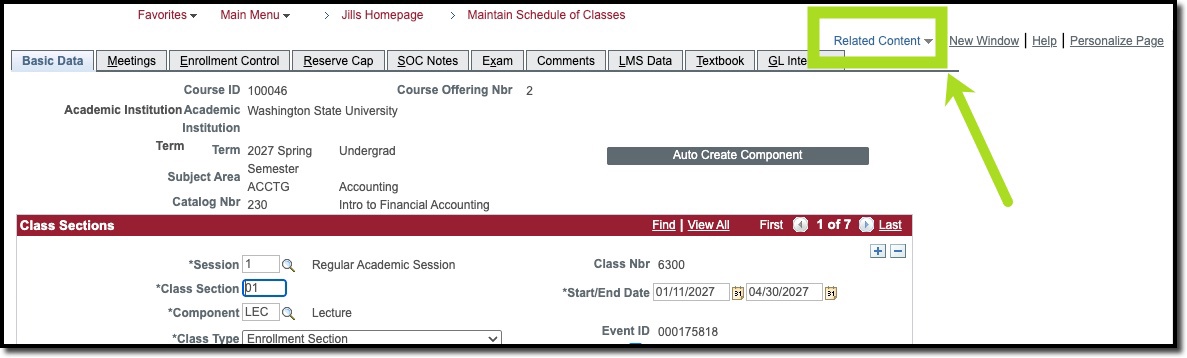
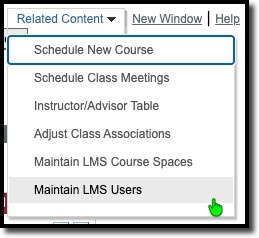
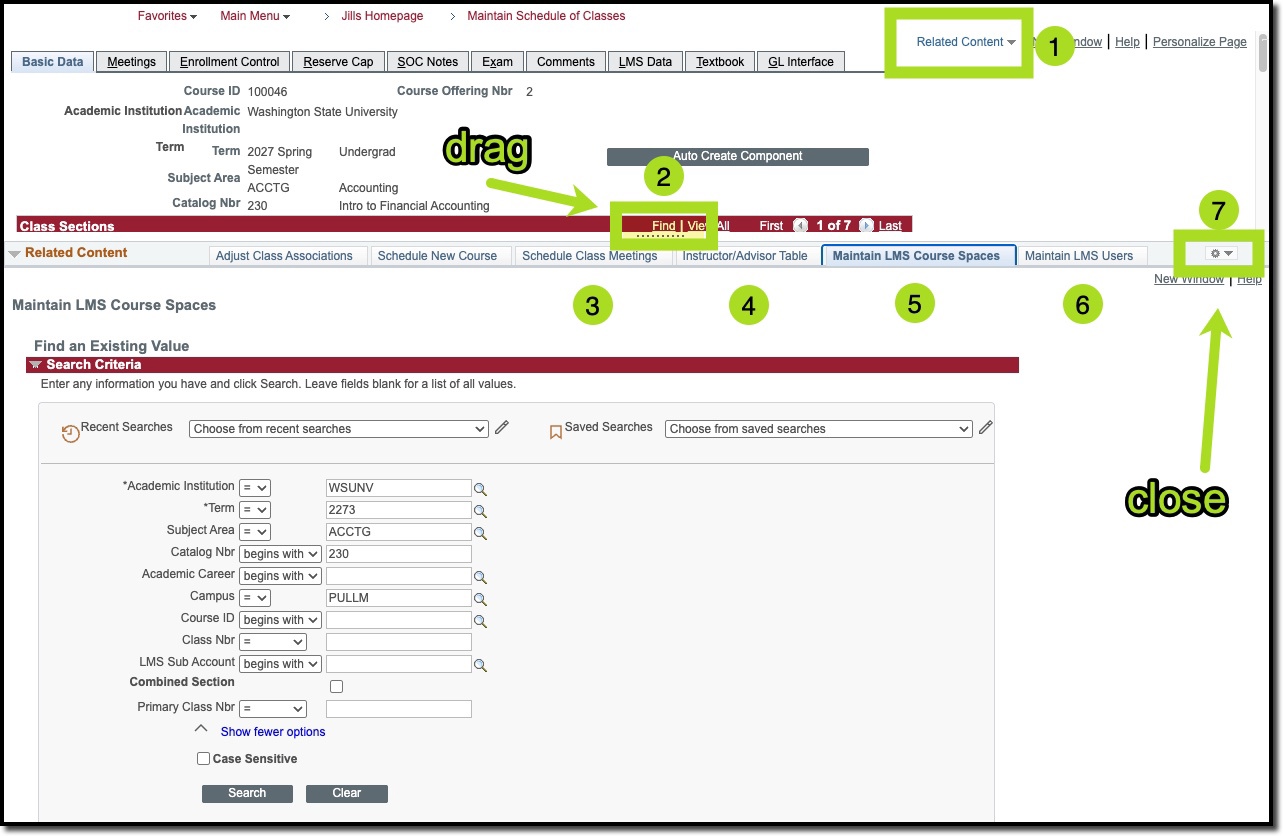
The best way to access components related to the Schedule Builder applications is via the Related Content dropdown in Maintain Schedule of Classes (MSC). The dropdown is located on the top right of the screen next to "New Window | Help | Personalize Page". The dropdown opens other related components in a window below MSC, allowing a quick update to another component while viewing MSC content. It is recommended to use this option when editing the Instructor/Advisor Table, the LMS components, and Schedule Class Meetings (used to update instructors in combined sections).