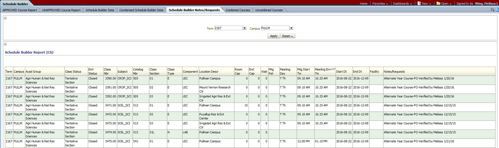
The dashboard has two versions of the Notes/Request reports which show similar data. The original report, Schedule Builder Notes/Requests, is frequently used by Campus Schedulers who have other processes built on the formatting of this report. The Pullman Campus Schedulers use this report. The newer report, Notes/Requests, is accessed from Schedule Builder Reports in the "Select View" dropdown. This report has a separate left dropdown, With Notes/Requests, to filter the screenview results. If the report will be exported, be sure to set the center filter dropdown "With Notes/Requests".
The Schedule Builder Notes/Requests report shows all of the sections that have a note/request in the Notes/Request field on the Meetings Tab regardless if the section is Approved or Unapproved.
Sections may have multiple lines showing because there may be more than one Meeting Time listed.
Notes/Requests are removed/moved to the Comments Tab if they require further action by the Department Scheduler or have been processed/completed by the Campus Scheduler.